

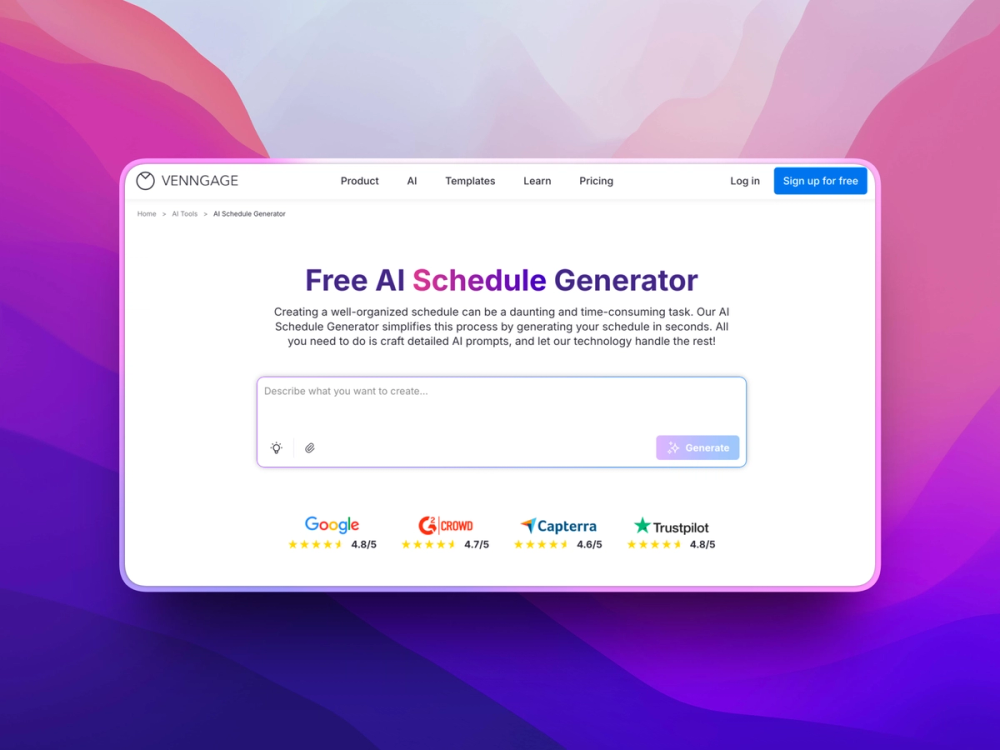
Venngage's AI Schedule Generator transforms simple planning instructions into organized, easy-to-read visual schedules for individuals, teams, classrooms, retail operations, and workplaces. Provide your tasks, shifts, deadlines, or time blocks, and the AI builds a structured schedule that you can customize with your preferred layout, branding, colors, and content before exporting or sharing.
Key Features
-
AI Schedule Builder: Turn a description of activities, responsibilities, shifts, and time requirements into a structured visual schedule.
-
Flexible Planning Options: Create daily plans, weekly routines, employee rosters, shift schedules, or custom timetables.
-
Visual Time Organization: Arrange activities into clear time blocks and sections that make important information easy to scan.
-
Professional Templates: Start with pre-designed schedules for business teams, retail staff, personal planning, education, and other workflows.
-
Brand Kit Support: Apply company logos, colors, and fonts to maintain a consistent appearance across shared schedules.
-
Simple Customization: Change schedule entries, timing, typography, colors, and layouts using the visual editor.
-
Accessibility Features: Check contrast and generate alternative text to make digital schedules more accessible.
-
Sharing & Export: Save schedules as images or PDFs, or distribute them through a private shareable link.
Benefits
-
Plan in Less Time: Generate a complete schedule quickly instead of manually creating tables and formatting every time block.
-
Improve Team Coordination: Give employees a clear view of shifts, responsibilities, and timing in one easy-to-follow format.
-
Make Information More Scannable: Visual structure and color coding help people understand schedules without reading through long lists.
-
Simplify Revisions: Quickly adjust schedules when shifts, tasks, deadlines, or priorities change.
-
Create Consistent Materials: Use the same templates and brand elements across recurring team and business schedules.
-
Replace Cluttered Spreadsheets: Turn complicated scheduling information into cleaner visual plans that are easier to distribute and understand.


